Gdisp APP
Available on the App Store for iPhone and iPad running iOS 15.5 or later.(iOS 15.5以降のiPhone/iPadで利用できます) https://apps.apple.com/app/gdisp/id1639827054
Objective / 目的
Gdisp is a simple acceleration display for measuring longitudinal and lateral acceleration.(縦横の加速度を表示するシンプルなアプリです)
Feature / 機能
- Clock and two-axis acceleration display(時刻表示と2軸の加速度表示)
- Large characters for video recording(ビデオ撮影に適した大きな文字表示)
- Low-pass filter(ローパスフィルタ)
- Zero-offset button(ゼロ点ボタン)
How to use / 使い方
Clock / 時計
- Displays the current time.(時刻を表示します)
- The time zone follows your device settings.(タイムゾーンは端末の設定に従います)
- The display includes a three-letter month abbreviation and the day of the month.(月の3文字略語と日付を表示します)
Acceleration / 加速度
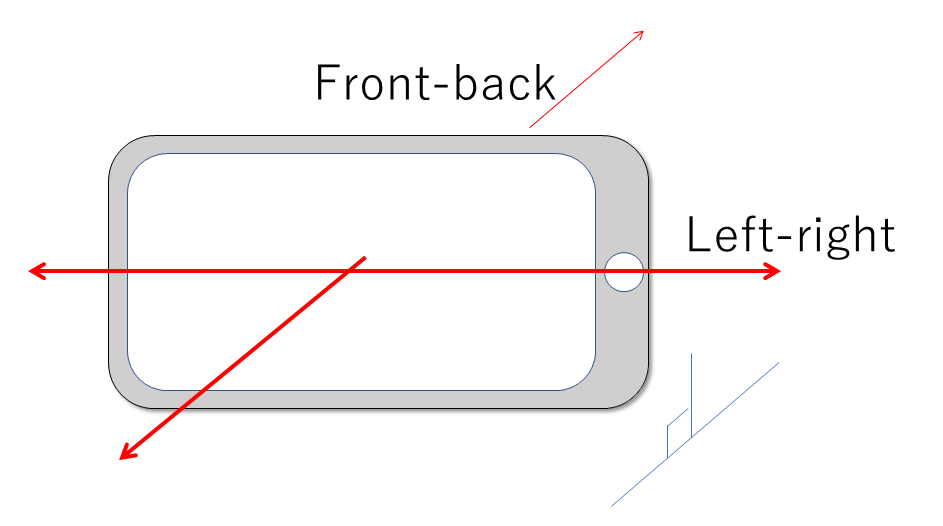
- Displays acceleration on two axes: longitudinal and lateral.(前後・左右の2軸の加速度を表示します)
- The readings are shown without coordinate transformation.(座標変換は行いません)
Zero button / 0点オフセットボタン
- Sets the current readings as the measurement zero point.(現在の値を測定のゼロ点に設定します)
- Press the button while the device is stationary and stable.(端末が静止し、安定しているときに押してください)
- This applies an offset only; it does not transform the coordinates.(オフセットのみを設定し、座標変換は行いません)
LPF button / ローパスフィルタボタン
- Uses a first-order discrete low-pass filter.(1次の離散ローパスフィルタを使用します)
- Internal calculations run at 100 Hz.(内部計算は100 Hzで行います)
- With the 3.0 Hz setting, the response reaches approximately 63% in 0.3 seconds.(3.0 Hz設定では0.3秒で約63%応答します)
B/W button / 背景色ボタン
- Switches between black and white backgrounds.(背景色を切り替えます)
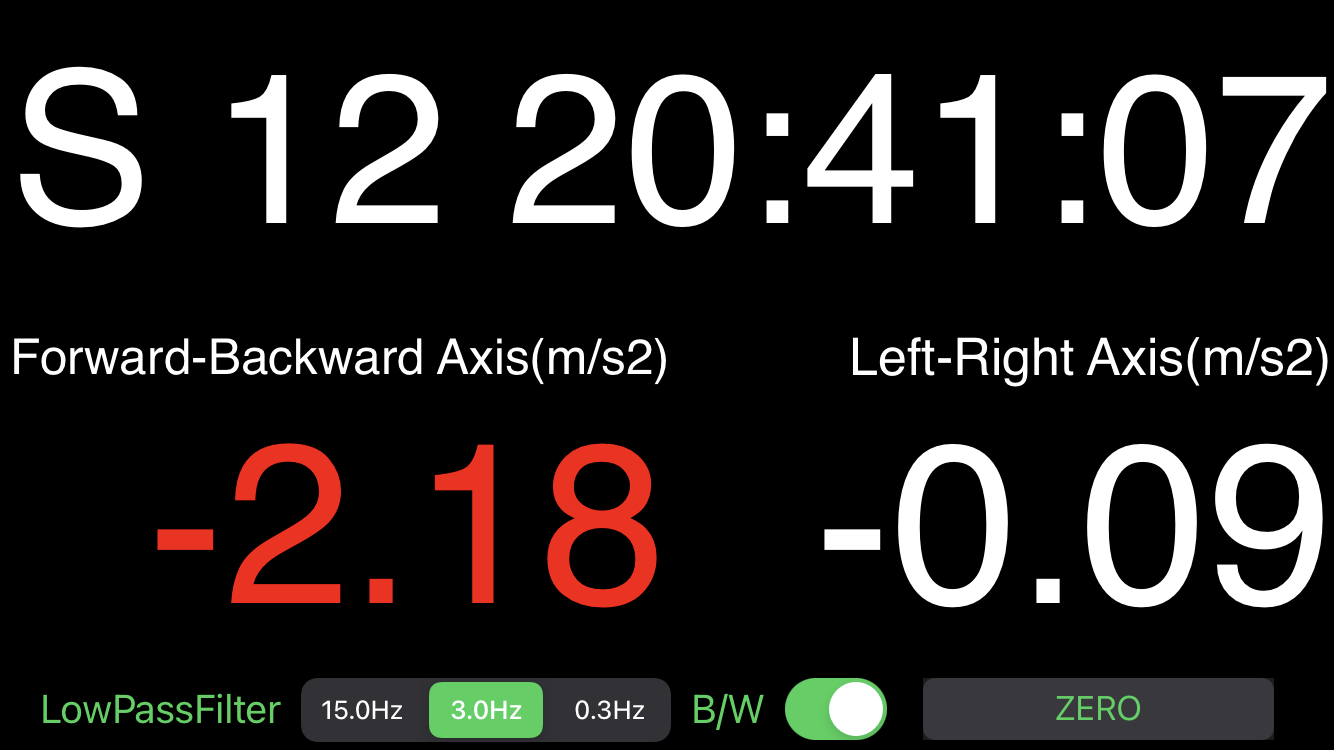
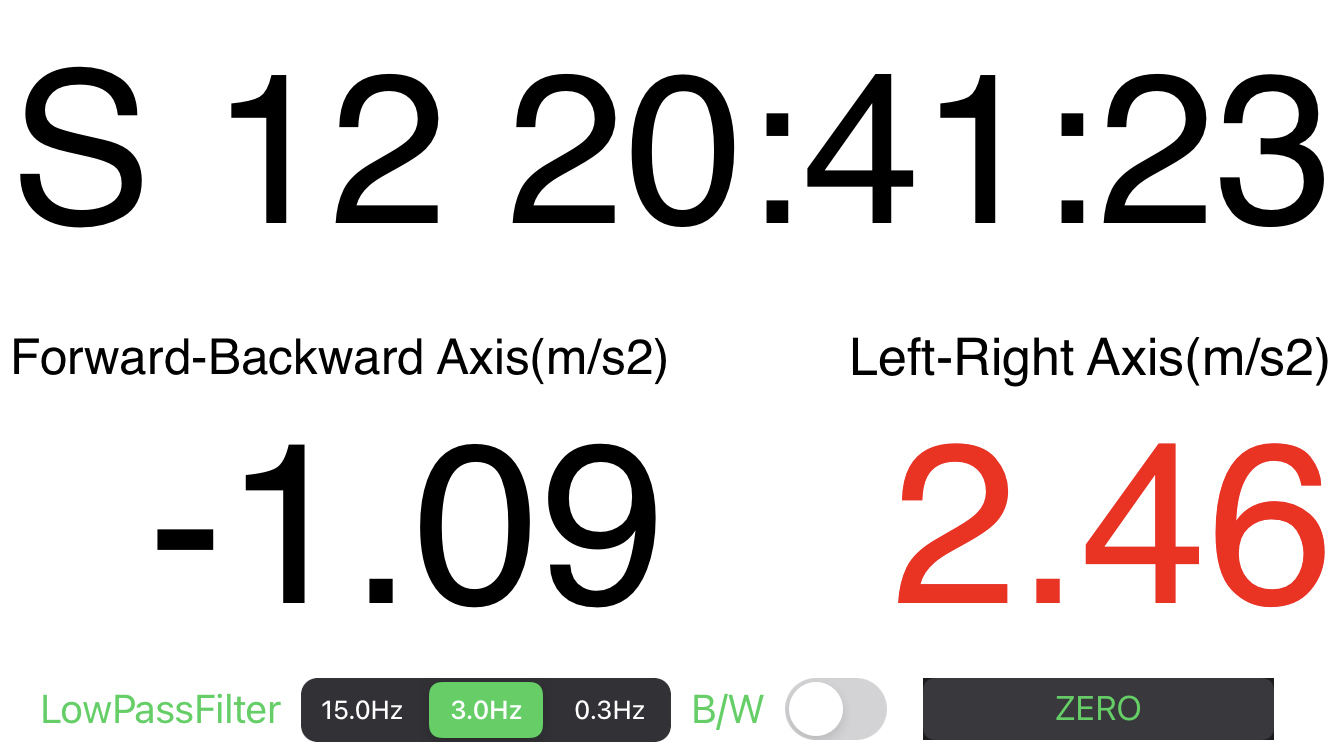
- The readings turn red above +1.5 or below -1.5 m/s2.(+1.5または-1.5 m/s2を超えると数値が赤くなります)
Tips / 利用上の注意
-
Adjust the zero point whenever the device’s static conditions change.(静止条件が変わるたびにゼロ点を調整してください)
-
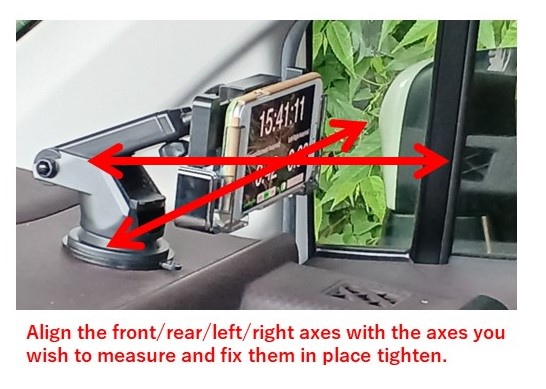
Secure the entire smartphone firmly before using the app.(使用前にスマートフォン全体をしっかり固定してください)
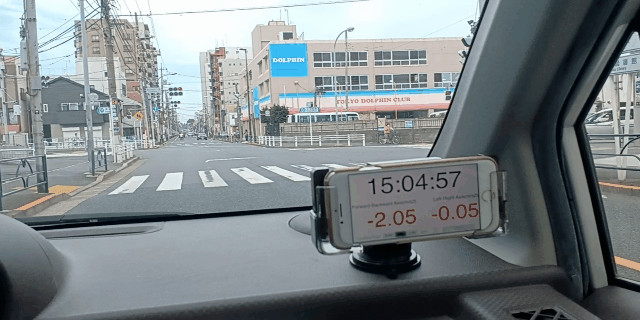
- White background longitudinal acceleration test (白背景での使用例)
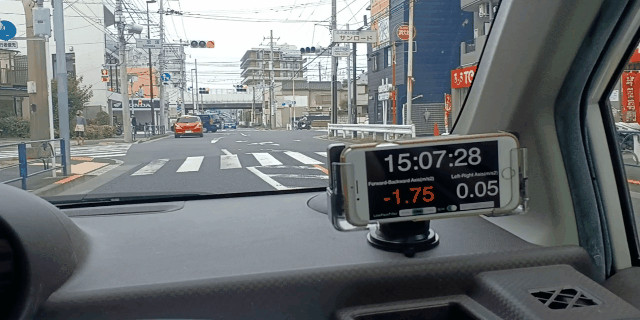
- Black background longitudinal acceleration test (黒背景での使用例)
Support
For help or questions, please use the support form.(ご質問やお困りの際はサポートフォームをご利用ください)